If you want to authenticate Microsoft Entra ID users in SiteKiosk Online, whether using the Cloud or a self‑hosted server, follow these simple steps to configure your settings correctly. This guide walks you through creating your App Registration, setting up your...
Allow printing from public computers secured by SiteKiosk Online? This step-by-step tutorial matches the video exactly, showing you how to enable printing with the default Windows printer, add print buttons to browsers, and configure limits – perfect for kiosks with...
How do I run SiteKiosk Online in Autostart with a Domain user? Need access to domain resources like SSO web apps, printers, or network shares? This tutorial shows you exactly how to configure SiteKiosk Online to run in Auto Start mode under a domain user account (like...
How do I create an allowed websites list in SiteKiosk Online so users can only reach the pages I choose? This short tutorial walks through the exact settings, URL patterns, and wildcards shown in the video so you can reliably lock down your kiosk browser to approved...
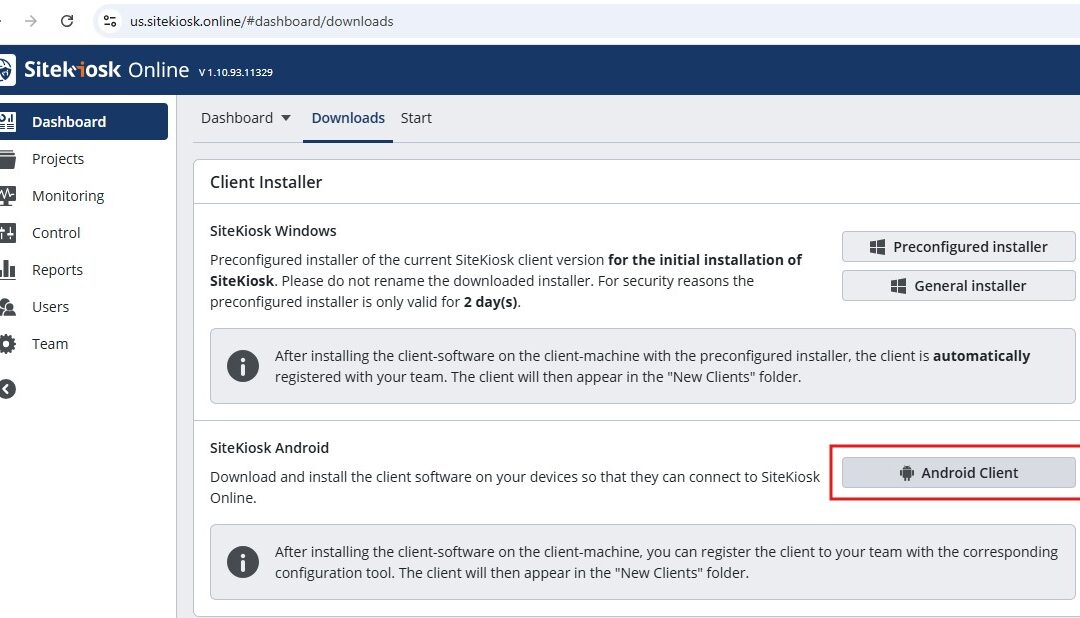
Download SiteKiosk Online and you can turn any Windows device into a secure, managed kiosk or interactive digital signage player in just a few minutes. In the video below, we walk through every step of how to download SiteKiosk Online, install it on your device, and...